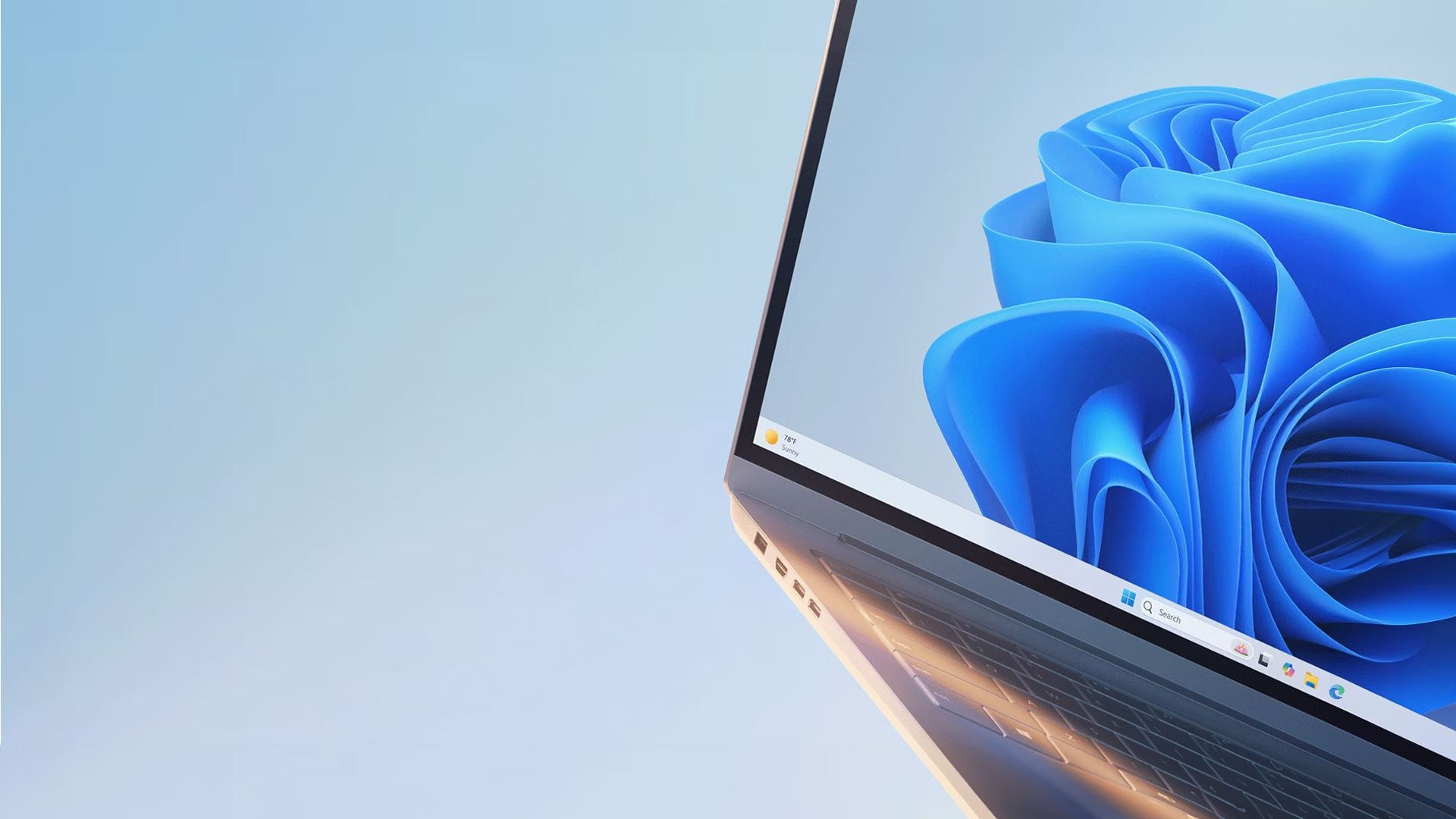
In today’s world of rapidly advancing technology, choosing between Windows 10 vs Windows 11 can be a tough decision for users.
Both operating systems offer unique features, but they cater to different needs and preferences.
Whether you’re a student, professional, or tech enthusiast, this article will help you understand the key differences between these two operating systems and guide you in making an informed choice.
Performance and Speed
Windows 11 brings significant improvements in performance compared to Windows 10.
With a focus on speed, Windows 11 boasts a more streamlined interface, which leads to faster boot times and improved system responsiveness.
Additionally, it comes with a redesigned architecture that makes better use of modern hardware.
| Feature | Windows 10 | Windows 11 |
|---|---|---|
| Boot Speed | Slower | Faster |
| Memory Usage | Higher | Optimized |
| CPU and GPU Compatibility | Good | Better with newer hardware |
| Resource Management | Less efficient | More efficient |
Windows 10, on the other hand, is still highly capable and performs well on older hardware.
However, if you have newer components, upgrading to Windows 11 will provide noticeable improvements in both speed and performance.
User Interface and Design
Windows 11 introduces a fresh, modern interface that is more aesthetically pleasing compared to Windows 10.
The Start menu has been simplified, with rounded corners and a centered taskbar, giving it a more minimalistic design. If you’re someone who values visual appeal and a more intuitive layout, Windows 11 offers a better experience.
However, Windows 10 maintains a more familiar interface, which some users still prefer. The taskbar is located at the bottom left, and the Start menu offers more customizable options.
Features and Compatibility
One of the key areas where Windows 11 outshines Windows 10 is its feature set. Windows 11 supports features like Snap Layouts, which allows users to organize windows efficiently, and a new virtual desktop system that offers enhanced multitasking capabilities.
For gamers, Windows 11 provides support for DirectStorage and Auto HDR, which dramatically improves gaming performance.
Windows 10, while it lacks some of these advanced features, still supports essential functionalities like virtual desktops, Cortana, and more.
If your device is not compatible with Windows 11, Windows 10 remains a reliable choice for everyday use.
Security
Security has always been a priority for Microsoft, and Windows 11 takes this to the next level. The operating system has stricter hardware requirements, including TPM 2.0 (Trusted Platform Module), which enhances security by providing hardware-level protection against attacks.
Windows 11 also features a redesigned Windows Defender, improved biometric authentication, and enhanced encryption.
Windows 10 is secure, but as the older system, it lacks the modern security features found in Windows 11. If security is a major concern, especially for sensitive work, Windows 11 is the better choice.
System Requirements
Windows 11 has higher system requirements than Windows 10, meaning it won’t work on all devices. For instance, Windows 11 needs a 64-bit processor, 4GB of RAM, and 64GB of storage. It also requires TPM 2.0, a feature not present in many older devices.
On the other hand, Windows 10 is compatible with a wider range of devices, including older hardware. If your system is outdated or doesn’t meet the Windows 11 requirements, sticking with Windows 10 is a viable option.
Which One Should You Choose?
If you’re using a relatively new PC and value performance, security, and a modern design, Windows 11 is an excellent choice.
However, if your device is older or you prefer a more familiar interface, Windows 10 remains a solid and reliable option.
For students and budget-conscious users, Windows 10 can still serve as an excellent platform for daily use. You can check out the latest budget smartphones for students in Kenya here and explore the latest Huawei phones here.


