If your iPhone is dying too fast, lagging unexpectedly, or shutting down at 20%, chances are you need an iPhone battery replacement.
As iPhones continue to evolve with smarter chips and brighter displays, battery performance remains a key concern for users across the globe.
Although Apple’s software optimizations help prolong battery health, no lithium-ion battery lasts forever.
Eventually, every iPhone owner will face the decision: replace the battery or upgrade the phone? For many, replacing the battery is a more cost-effective and environmentally friendly option.
When Should You Replace Your iPhone Battery?
Your iPhone will usually let you know when the battery isn’t performing at full capacity.
Apple includes a Battery Health section in Settings that shows your battery’s Maximum Capacity and whether it supports Peak Performance Capability. If it’s under 80%, it may be time to consider a replacement.
Key Signs You Need a Battery Replacement
| Symptom | Explanation |
|---|---|
| Rapid battery drain | Battery loses charge faster than usual |
| Unexpected shutdowns | Phone turns off even with significant charge left |
| Slow performance | System lags or throttles to preserve energy |
| Overheating during use | Old batteries struggle with power delivery |
| Battery Health below 80% | Apple recommends replacement at this threshold |
Even if your phone still turns on, continued use of a degraded battery may affect the processor’s ability to handle heavy apps or features.
Apple vs Third-Party Repair Options
Once you decide to replace your battery, you have two main options: go to Apple or choose a certified third-party service provider.
Both have pros and cons depending on your budget, warranty status, and time constraints.
Comparison of Battery Replacement Options
| Option | Cost (Approx.) | Warranty Impact | Quality Assurance | Turnaround Time |
|---|---|---|---|---|
| Apple Store | $89–$99 (out of warranty) | Maintains warranty | Genuine parts, expert techs | 1–3 days |
| Authorized Providers | $70–$90 | Warranty safe | Apple-approved parts | 1–2 days |
| Independent Shops | $40–$70 | May void warranty | Varies by vendor | Same day to 1 day |
| DIY Kits | $25–$50 | Voids warranty | Risk of damage | Depends on skill level |
Apple offers peace of mind with OEM parts and warranty protection. However, third-party repairs can save time and money, just make sure they’re certified and have good reviews.
The Science Behind Battery Aging
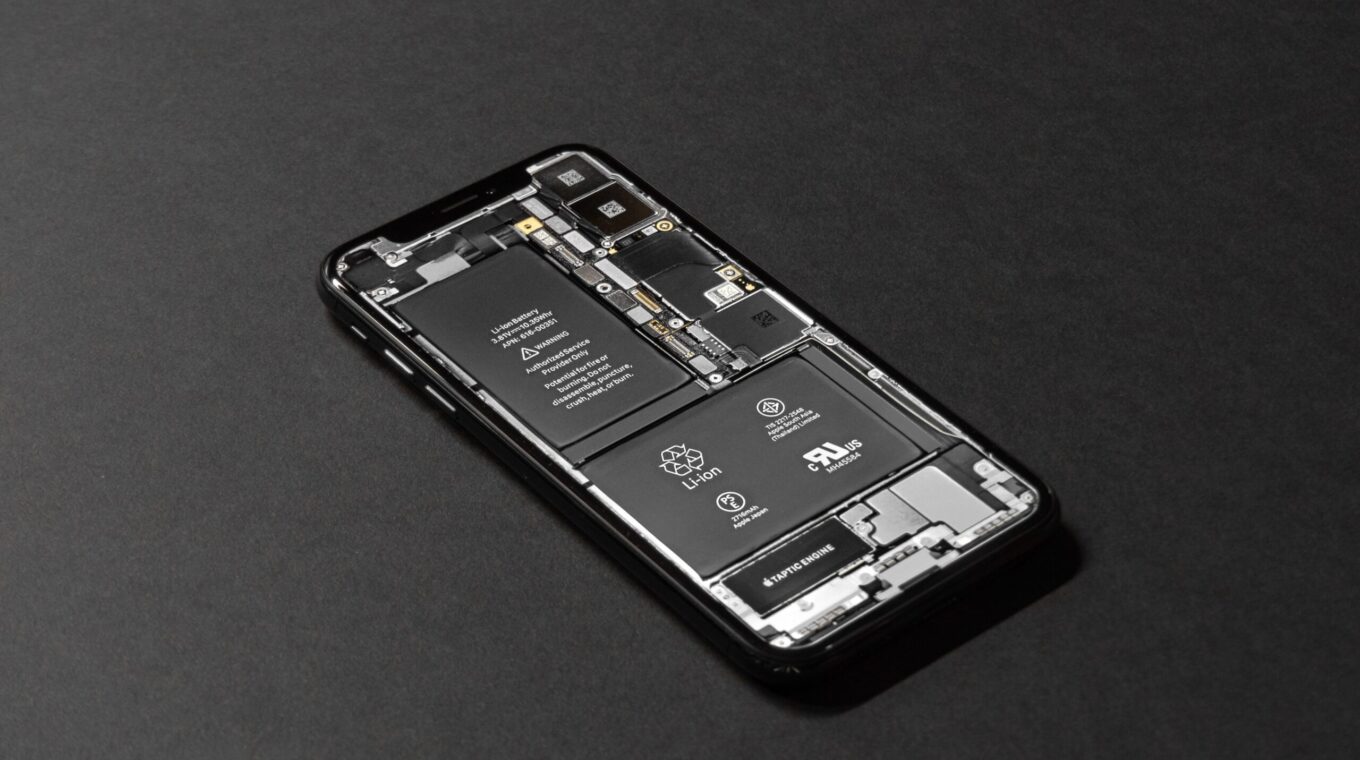
Lithium-ion batteries, the type used in iPhones, degrade over time due to repeated charge cycles. Every charge from 0% to 100% counts as one cycle.
After about 500 full charge cycles, most batteries drop to roughly 80% of their original capacity.
This natural aging process is tied to electrochemical reactions within the battery, as detailed in battery technology research.
High temperatures, deep discharges, and fast charging all accelerate this decline.
Luckily, Apple includes software tools to monitor battery wear, and users can take proactive steps to prolong battery health such as avoiding overnight charging and enabling Optimized Battery Charging in settings.
How to Extend Your Battery Life Before Replacement
Before you schedule a replacement, consider whether your habits are causing premature battery drain. Small changes can delay the need for a new battery.
Tips to Maximize Battery Lifespan
- Enable Low Power Mode when battery drops below 20%
- Turn off background app refresh for unused apps
- Use Dark Mode, especially on OLED screens
- Keep your iPhone out of extreme temperatures
- Update to the latest iOS version for efficiency improvements
Also, regularly checking for app battery usage stats (under Settings > Battery) helps identify which apps are power hogs.
Final Word: Is an iPhone Battery Replacement Worth It?
In most cases, yes. If your iPhone is only a couple of years old and otherwise working perfectly, a battery replacement gives it new life without spending hundreds on a new model.
For users who rely heavily on their devices for work, content creation, or fitness tracking, stable battery performance is non-negotiable.
As Apple continues to push boundaries with software and hardware, keeping your iPhone’s battery in peak shape is the best way to maximize longevity.
Whether you head to the Genius Bar or choose a trusted third-party repair shop, replacing the battery can be one of the smartest tech decisions you make this year.
And if you’re already upgrading your iPhone adapter or exploring new apps for productivity and wellness, don’t let a weak battery hold you back.