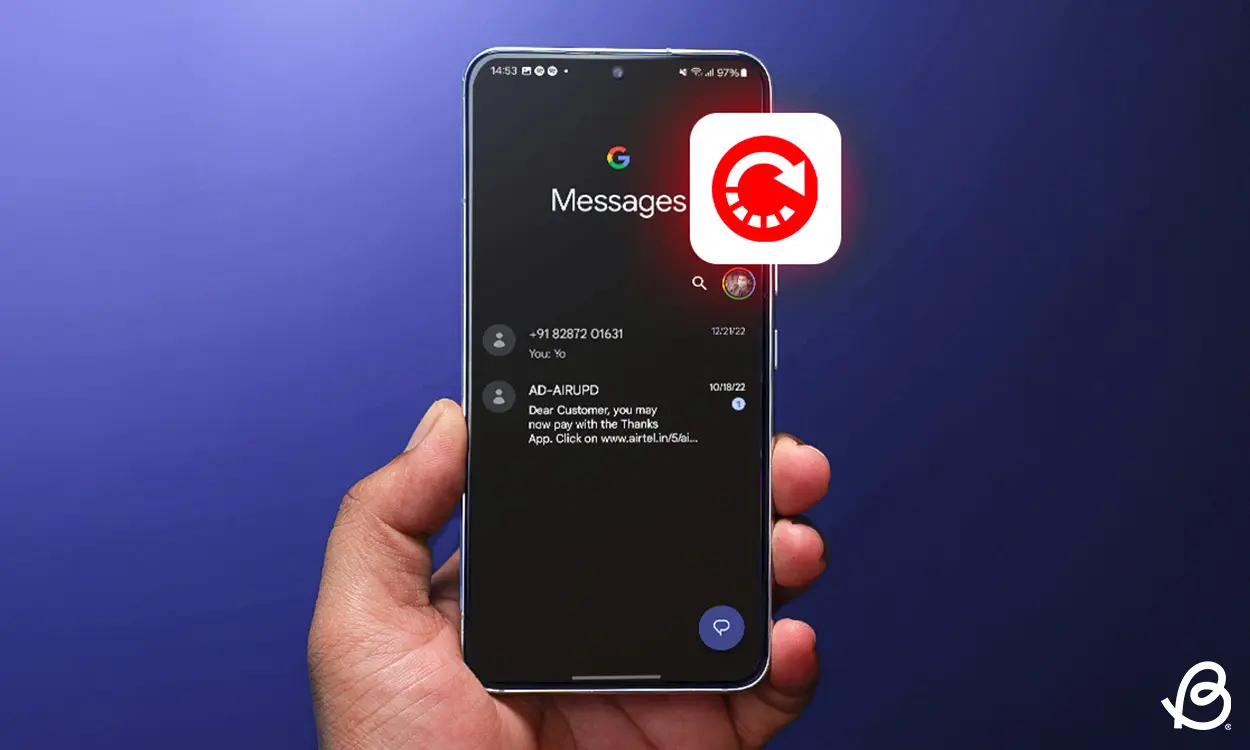
Losing important texts can be frustrating — especially when they contain sensitive or sentimental information. Thankfully, there are several effective ways to recover deleted messages on Android devices in 2025. Whether the messages were lost during an update or mistakenly deleted, this guide will help you get them back.
From built-in tools to third-party apps, here’s everything you need to know.
Check Your Google Account Backup First
Before diving into complex solutions, start with the simplest: checking your Google backup. Most Android devices automatically back up SMS messages to your Google account.
| Step | Action |
|---|---|
| 1 | Open the Settings app |
| 2 | Navigate to Google > Backup |
| 3 | Check if SMS messages were included in the last backup |
| 4 | If yes, perform a factory reset and restore from the backup |
Keep in mind that restoring a backup will wipe your phone, so it’s only recommended if the deleted messages are crucial and recent.
Use Your Default Messaging App’s Archive or Trash
Many default SMS apps, like Google Messages or Samsung Messages, now feature a Trash or Archive folder. This feature can hold deleted messages for up to 30 days.
| App | Recovery Option | Retention Period |
|---|---|---|
| Google Messages | Trash | 30 days |
| Samsung Messages | Recycle Bin | 30 days |
| Other Brands | May vary | Check app settings |
To recover messages from these folders, open the messaging app, go to the trash or archive section, and restore the needed messages manually.
Try a Third-Party Recovery App
If your messages are not in the backup or trash, a recovery app might help. These apps scan your device’s storage and attempt to retrieve deleted data, including texts.
| App | Features | Root Required |
|---|---|---|
| Dr.Fone – Data Recovery | Recover SMS, call logs, and WhatsApp | No (limited access) |
| Tenorshare UltData | Deep scan for deleted texts | No |
| DiskDigger | Supports older Android versions | Yes (for full recovery) |
These apps are especially helpful for non-Google SMS backups or if your device doesn’t use Google Messages. However, their effectiveness can vary depending on the phone model and whether new data has overwritten the deleted messages.
Contact Your Carrier for Help
Some mobile service providers retain SMS records for a limited time. You can request message logs or backups from your carrier’s customer support. However, this option is usually limited to text-only messages, not media files.
| Carrier | Message Recovery Support |
|---|---|
| Safaricom | Limited, requires official request |
| Airtel Kenya | Limited support for postpaid users |
| Telkom Kenya | Typically not supported |
Be sure to check with your provider to understand their data retention policy. In most cases, recovery is only possible within a few days of deletion.
Enable Future Backup for Peace of Mind
To avoid future message losses, it’s a good idea to enable automatic backups and syncs. Here’s how to ensure your texts are always safe:
| Setting | Action |
|---|---|
| Google One Backup | Enable from Settings > Google > Backup |
| SMS Backup & Restore App | Set up auto-backup daily or weekly |
| Cloud Messaging Services | Use apps like Telegram or WhatsApp for cloud-based conversations |
For users exploring futuristic phone features like foldables or glyph-based lighting, check out our recent guides on Apple’s Foldable iPad and iPhone Future and the Nothing Phone’s Glyph Interface.
Final Thoughts
Losing a message doesn’t always mean it’s gone forever. As long as you act quickly and know where to look, there are several ways to recover deleted messages on Android without needing tech expertise.
In addition, keeping regular backups and syncing your messages to the cloud will save you stress in the future. As Wikipedia notes, SMS remains a crucial method of communication globally, and preserving your message history is still as important as ever.
Want to know how Android OS handles file deletion? Here’s a helpful overview of Android’s file system that can give you more insight into how recovery tools work behind the scenes.


