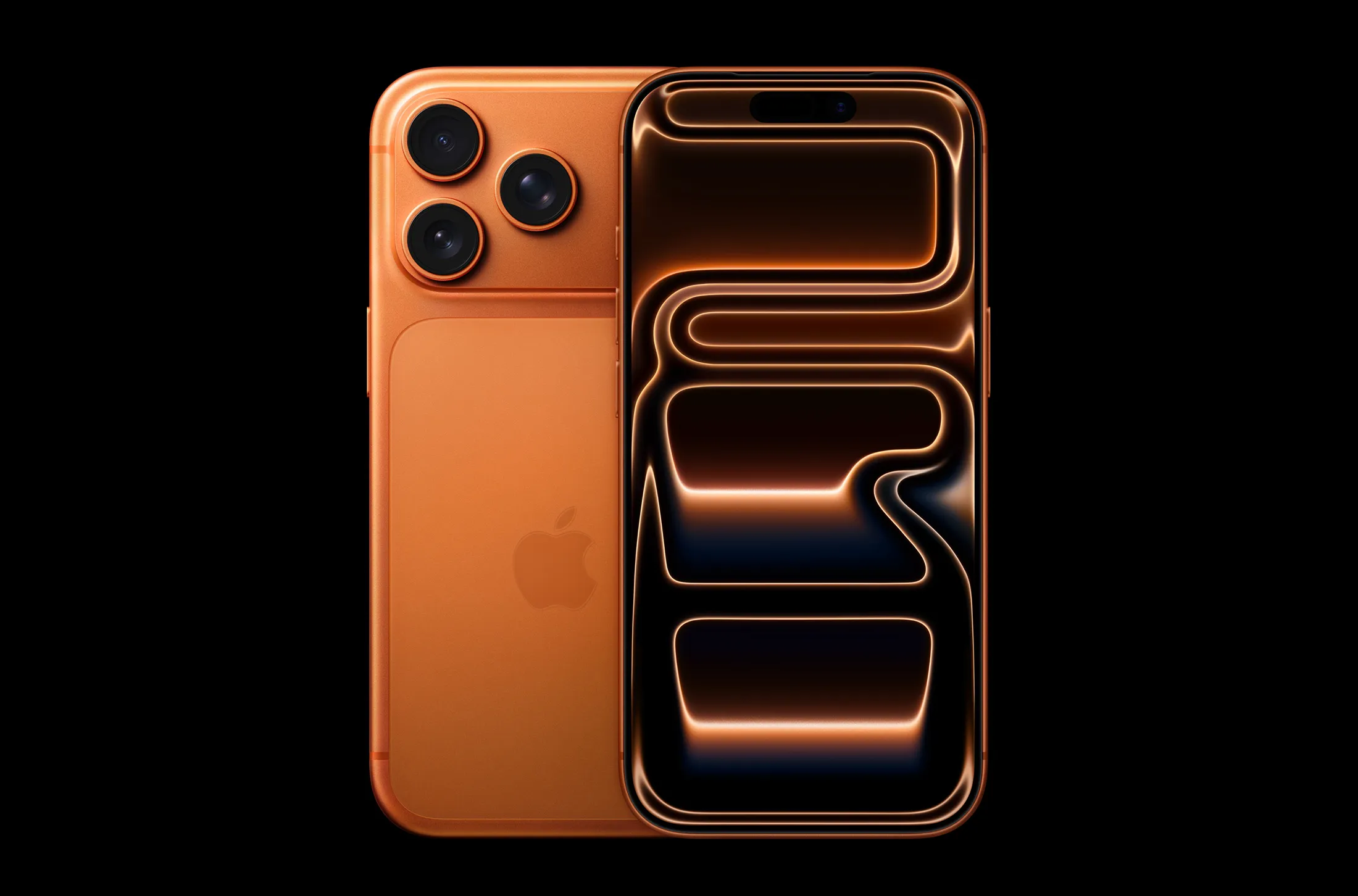
Apple is rolling out a major update this year, and the iOS 18 features are more exciting than ever. With a clear focus on AI-powered enhancements, customization, and user privacy, iOS 18 is shaping up to be one of the most game-changing software updates in years.
Whether you’re using the new iPhone 16 or an earlier model, there’s plenty to look forward to. Below, we break down the most important features you should know about.
Smarter Siri with On-Device AI
Siri has received its biggest update in years. With iOS 18, Apple is introducing on-device AI processing to make Siri faster, more accurate, and usable even when offline.
The new Siri can now understand context better, handle follow-up questions naturally, and carry out actions across apps — all without sending data to the cloud.
| Feature | Benefit |
|---|---|
| On-device processing | Faster responses, no internet required |
| Improved contextual awareness | Understands follow-ups and app context |
| Privacy-first approach | No data leaves your device |
This update aligns with Apple’s continued push toward user privacy, a concept that has become a defining part of the brand’s ecosystem. You can read more about privacy in computing to understand its broader importance.
Home Screen Customization Like Never Before
Apple is finally offering more control over how your home screen looks. With iOS 18, users can place app icons anywhere, change their size, and apply full themes — something Android users have enjoyed for years.
Widgets are also smarter and more interactive, allowing direct access to app functions without needing to open them fully.
| Customization Option | What’s New |
|---|---|
| Icon placement | Free-form layout, no more forced grid |
| Themes | System-wide color changes and icon packs |
| Smart Widgets | Support for in-widget actions |
This level of flexibility makes the iPhone feel more personal than ever before.
Improved Battery and Charging Management
iOS 18 also brings smarter charging controls to help preserve battery health. It learns your habits and adjusts charging accordingly to reduce wear and tear.
For users of the iPhone 16, these updates complement the device’s physical battery improvements covered in our iPhone 16 Battery Life Test article.
| Feature | Description |
|---|---|
| Adaptive charging | Learns your schedule to optimize charge cycles |
| Battery health alerts | Notifies you of unusual charging behavior |
| New low power modes | More granular control for battery saving |
Together with iOS 18, these features aim to extend your iPhone’s lifespan — both physically and functionally.
Camera App Redesign
The Camera app has been redesigned for ease of use, with a new gesture-based interface and customizable layout. Users can now rearrange camera modes, prioritize preferred settings, and enjoy quicker access to portrait, video, and night modes.
If you’re using the iPhone 16, you’ll especially appreciate how iOS 18 enhances the already powerful camera hardware — as detailed in our iPhone 16 Camera Review.
| Enhancement | Benefit |
|---|---|
| Customizable layout | Move and hide camera modes as needed |
| Gesture support | One-hand use now easier than ever |
| Faster toggles | Immediate access to flash, filters, and zoom |
This level of control will appeal to both casual users and mobile creators who shoot content frequently.
Revamped Control Center
Apple has reimagined the Control Center experience with stackable widgets, app shortcuts, and full custom layouts.
You can now create multiple Control Center screens, similar to your home screen, allowing you to access specific tools based on what you’re doing — from gaming to fitness.
| What’s New | Use Case |
|---|---|
| Widget stacks | Group related toggles for easier access |
| Shortcut integrations | Launch apps or automations directly |
| Multi-page layout | Tailor control centers to different activities |
This is especially useful for power users who rely on quick toggles and smart home control.
Focus Mode Enhancements and Lock Screen Upgrades
Focus Modes in iOS 18 now come with lock screen and home screen automation. That means you can automatically change your wallpapers, notification styles, and even app visibility depending on what mode you’re in.
Additionally, the lock screen supports live widgets, making your iPhone more informative at a glance.
| Upgrade | What It Does |
|---|---|
| Lock screen linking | Each Focus Mode can now have a unique lock screen |
| Live widgets | Show weather, calendar, music, or fitness updates |
| App hiding | Apps can disappear when you’re in work or sleep mode |
These changes enhance productivity without requiring you to tweak settings manually every time.
Final Thoughts
Apple has clearly taken a bold step with iOS 18. From major privacy enhancements and smarter AI to deeper customization and better battery control, this update caters to users at every level.
Whether you’re upgrading to a new iPhone or keeping your current one, these features ensure that your device feels fresh and future-ready. If you’re curious about how this ties into overall software development, check out this Wikipedia overview of iOS.
iOS 18 isn’t just a refresh — it’s Apple’s way of letting users shape their own experience, and it does that with surprising precision.