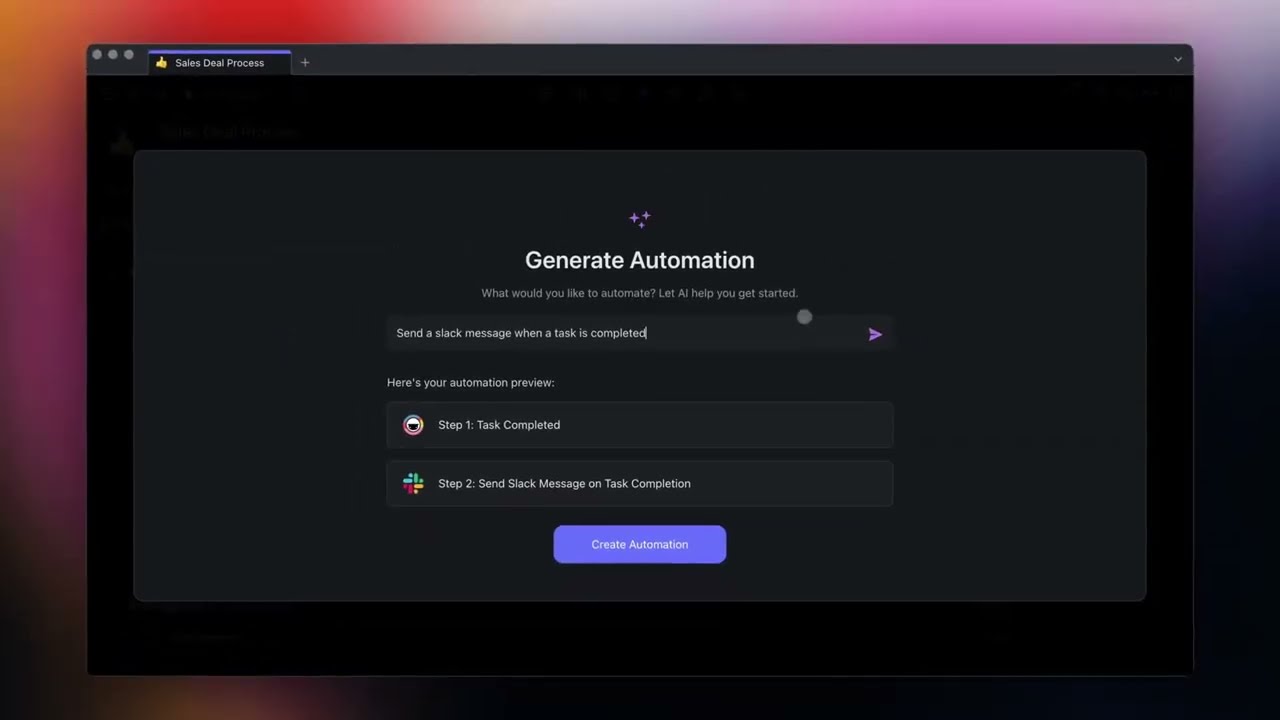
If you’re exploring the world of generative AI, knowing how to create amazing prompts can dramatically improve your output. Whether you’re crafting AI-generated music, producing videos with prompts, or designing unique images, the quality of your input determines the power of the result.
In this guide, we’ll break down the fundamentals of effective prompting and give you practical tips to elevate your creative workflow.
What Makes a Prompt “Amazing”?
An amazing prompt is clear, descriptive, and purposeful. AI models like Midjourney, Runway, and Suno rely heavily on the structure and detail of your input to generate high-quality results.
Let’s take a quick look at what separates basic prompts from high-performing ones.
| Prompt Type | Basic Prompt | Amazing Prompt |
|---|---|---|
| Image | “Robot in a city” | “A futuristic humanoid robot walking through a neon-lit cyberpunk city at night, cinematic lighting” |
| Music | “Hip-hop beat” | “Upbeat trap-style hip-hop instrumental, heavy bassline, tempo 140 BPM, inspired by 90s East Coast rhythm” |
| Video | “Nature video” | “Aerial footage of misty mountains at sunrise, with birds flying across the sky, 4K resolution, cinematic slow motion” |
The difference lies in specificity, tone, and context. You’re not just describing what you want — you’re setting the mood, the style, and the technical parameters.
Prompting for AI Image Generators
Tools like Midjourney, DALL·E, and Stable Diffusion have changed how we think about visual creativity. Still, the best outputs come from detailed, imaginative prompts.
Tips for Better Image Prompts
- Start with a clear subject (e.g. astronaut, lion, castle)
- Add adjectives that describe the scene (e.g. “majestic”, “futuristic”)
- Define the setting (e.g. “on Mars”, “underwater”, “in a snowy forest”)
- Include a style or medium (e.g. “oil painting”, “cyberpunk”, “low-poly 3D”)
- Optionally, mention camera angles or lighting
| Example Prompt | Result |
|---|---|
| “A serene Japanese garden at dawn, oil painting style, soft lighting, viewed from above” | Produces a painterly, peaceful image with tranquil colors |
You can explore more about visual innovation in our guide on The Most Futuristic Tech in the World.
Creating Prompts for AI Music Tools
With AI music platforms like Suno and Amper Music, you can generate beats, melodies, and full compositions. However, your prompt should communicate genre, tempo, instrumentation, and mood.
Elements to Include in Music Prompts
- Genre (hip-hop, ambient, jazz)
- Mood (uplifting, dark, dreamy)
- Tempo or BPM
- Instruments (piano, drums, synth, guitar)
- References (inspired by Drake, Lo-fi vibes, etc.)
| Prompt Example | Music Result |
|---|---|
| “Chill lo-fi hip-hop beat with vinyl crackle, soft piano, relaxed tempo, 70 BPM” | Produces relaxing background music ideal for studying or vlogging |
Just like with text or visuals, clarity makes all the difference. Knowing the musical structure helps too — check out Wikipedia’s guide to music theory for foundational knowledge.
Writing Prompts for AI Video Tools
AI video generation is rapidly evolving. Tools like Runway Gen-2 or Pika Labs can now animate short clips from text prompts. But the input needs to be detailed enough to guide everything from scene structure to visual effects.
How to Write Effective Video Prompts
- Use scene-specific language: “a man running through a forest during heavy rain”
- Include camera direction: “slow-motion tracking shot”
- Mention resolution and atmosphere: “4K cinematic style”, “soft ambient lighting”
| Prompt Example | Video Result |
|---|---|
| “A sci-fi spaceship slowly taking off from a desert planet at sunset, dramatic lighting, 4K resolution, cinematic” | Yields a dynamic, movie-like clip with vivid visuals and motion |
As AI-generated media becomes more advanced, some tools can even detect whether the content is synthetic or human-made. For more on that, read our article on Artificial Intelligence Content Detection Software.
Common Mistakes to Avoid
Even advanced users slip up with their prompts sometimes. Here’s what to avoid:
| Mistake | Why It’s a Problem |
|---|---|
| Too vague | Outputs are generic and lack detail |
| Contradictory terms | Confuses the model (e.g. “daylight in a dark alley”) |
| No creative direction | Results may lack mood, emotion, or clarity |
Always aim for a balance between structure and imagination. You want to guide the AI, not restrict it.
Final Thoughts
Learning how to create amazing prompts is a skill — and like all creative skills, it gets better with practice. The more precise, vivid, and intentional your prompt, the better the AI’s output will be.
As these tools grow in popularity, mastering the art of prompting will be crucial for creators, marketers, and developers alike. Whether you’re generating visuals for your brand, music for your videos, or animations for TikTok, great prompts are your creative foundation.
And if you’re curious about how these systems function behind the scenes, explore the concepts of generative artificial intelligence to understand the tech powering it all.
Ready to start prompting like a pro? Just remember: the better your words, the better your world.


